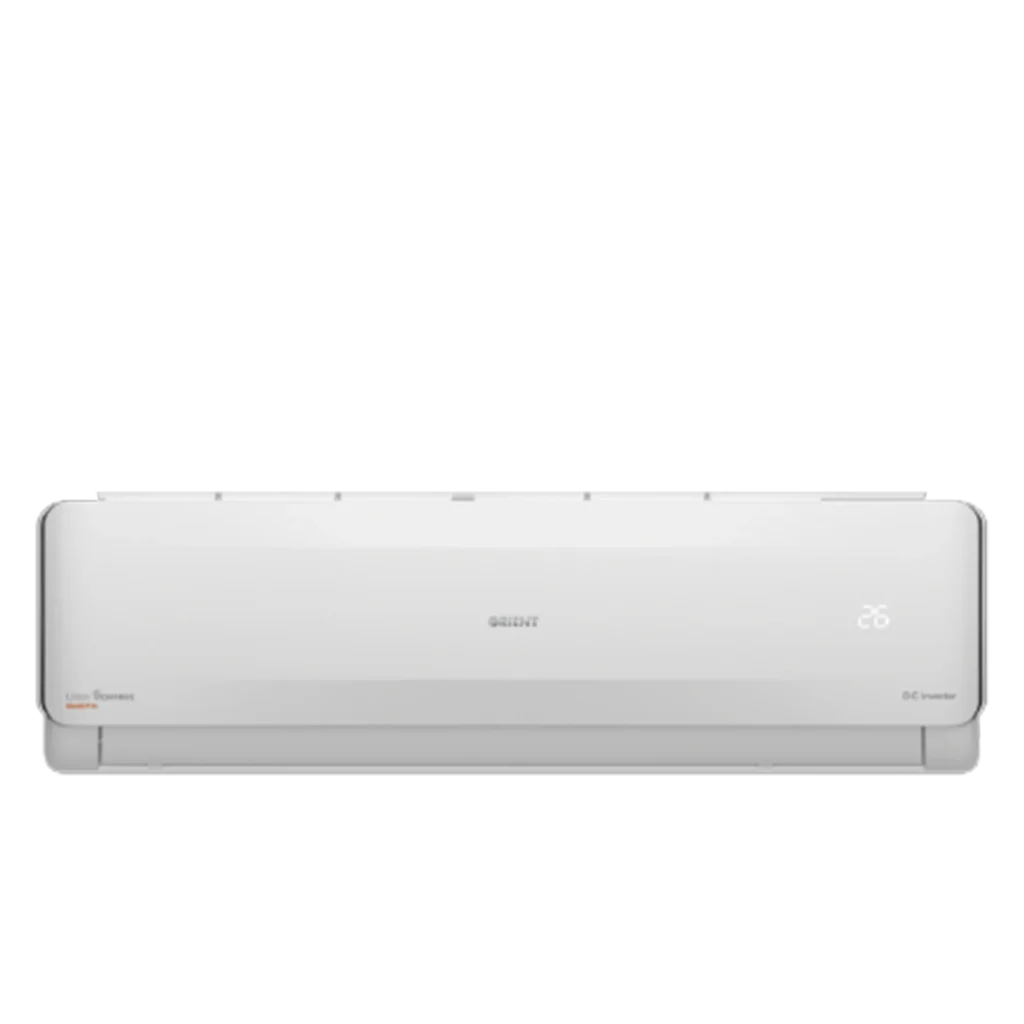
Air conditioners have become essential in Pakistan due to extreme summer temperatures. If you recently purchased an Orient inverter AC or are planning to buy one from Gulf Electronics, understanding how to use the remote control properly is very important.
Many users search online for how to use Orient AC remote control because modern AC remotes come with multiple modes, smart functions, and advanced settings. In this detailed guide, we will explain every button, function, and setting so you can operate your Orient AC efficiently and save electricity.
About Orient AC in Pakistan
Orient Electronics is one of the leading home appliance brands in Pakistan. Its inverter AC models are popular for affordability, strong cooling performance, and energy efficiency.
In the Pakistani market, Orient competes with major brands such as:
- Haier
- Gree
- Dawlance
- Kenwood
- PEL
- Hisense
No matter which brand you use, understanding remote control functions is key to getting the best cooling performance and energy savings.
Understanding Orient AC Remote Control Buttons
Most Orient inverter AC remotes have similar button layouts. Below is a detailed explanation of each important button.
1. Power Button (ON/OFF)
This button turns the AC on or off.
When you press it:
- The indoor unit starts operating.
- The LED display shows the selected temperature.
- The AC resumes the last saved settings (in most inverter models).
2. Mode Button
The Mode button allows you to switch between different operating modes.
Common Modes:
❄ Cool Mode
- Used during summer.
- The AC cools the room to your selected temperature.
- Most commonly used mode in Pakistan.
🌬 Fan Mode
- Only fan operates.
- No cooling.
- Useful when weather is moderate.
💧 Dry Mode
- Reduces humidity.
- Ideal during monsoon season in cities like Karachi.
🔥 Heat Mode (In Heat & Cool Models)
- Used during winter.
- Available in selected Orient inverter AC models.
For maximum comfort in summer, keep the AC in Cool Mode.
3. Temperature Up & Down Buttons
These buttons increase or decrease the temperature.
Recommended Settings in Pakistan:
- 24°C to 26°C for energy savings
- 22°C for quick cooling
- Avoid setting below 20°C to reduce electricity consumption
Lower temperature settings increase electricity usage, so smart adjustment is important.
4. Fan Speed Button
This button controls airflow speed.
Options usually include:
For fast cooling, use High speed initially. After room cooling stabilizes, switch to Auto or Medium for comfort and energy efficiency.
5. Swing Button
Swing controls the direction of airflow.
- Vertical swing moves air up and down.
- Some models also support horizontal swing.
Using swing helps distribute cool air evenly across the room.
6. Turbo Mode
Turbo mode provides maximum cooling power for quick temperature drop.
Best used:
- When you enter a hot room.
- During extreme heat waves.
However, Turbo consumes more electricity, so avoid using it for long hours.
7. Sleep Mode
Sleep mode gradually adjusts temperature during nighttime to:
- Save electricity
- Maintain comfortable sleep
- Reduce compressor workload
Highly recommended for bedroom usage.
8. Timer Function
The Timer button allows you to:
- Set automatic ON time
- Set automatic OFF time
This feature is helpful for saving electricity and managing usage schedules.
9. Eco Mode (Energy Saving Mode)
Some newer Orient inverter AC models include Eco mode.
Benefits:
- Reduces compressor power usage
- Maintains stable temperature
- Lowers electricity bills
If you want maximum savings, use Eco mode regularly.
Tips for Efficient Use of Orient AC Remote Control
To maximize cooling performance and reduce electricity bills:
✔ Set temperature between 24–26°C
✔ Use Auto fan speed
✔ Avoid frequent temperature changes
✔ Clean AC filters regularly
✔ Use Sleep mode at night
✔ Close doors and windows while AC is running
These small adjustments can significantly improve performance.
Common Problems & Troubleshooting
Remote Not Working?
- Replace batteries.
- Check battery polarity.
- Ensure no obstruction between remote and indoor unit.
AC Not Responding?
- Check power supply.
- Reset AC by turning off main switch for 2–3 minutes.
If problems continue, contact authorized service support.
Why Proper Remote Usage Matters
Understanding how to use Orient AC remote control correctly helps:
- Improve cooling efficiency
- Reduce electricity bills
- Extend compressor life
- Prevent unnecessary wear and tear
The same principles apply to other brands like Haier, Gree, Dawlance, Kenwood, PEL, and Hisense.
Final Thoughts
Learning how to use Orient AC remote control is simple once you understand each button and function. By using proper settings like Cool mode, Eco mode, and Sleep mode, you can enjoy powerful cooling while keeping electricity bills under control.
If you are planning to buy a new Orient inverter AC or need expert advice, visit Gulf Electronics for the latest models, updated prices, and professional guidance.
Choosing the right AC is important — but using it correctly is equally essential for maximum comfort and savings in Pakistan’s extreme climate.